
 S6000U
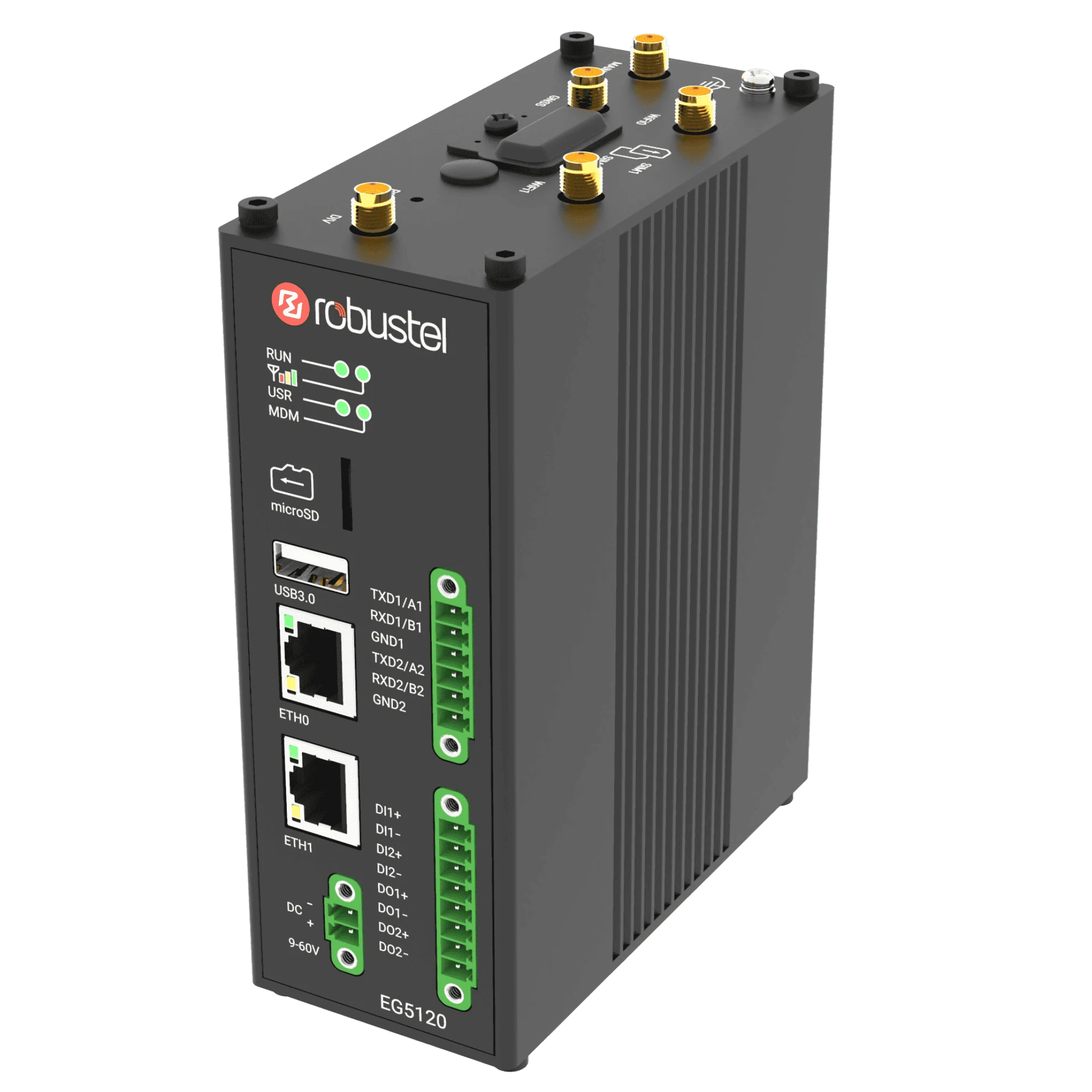 EG5120
Prepare an approved read-only point
- The equipment owner and the person who can authorise the test.
- The controller model, firmware, interface documentation and permitted protocol.
- One useful read-only point with its address convention, data type, scale, unit and reference display.
- An approved network or serial connection, test window and contact for stopping the test.
- A compatible installed collection driver and the intended downstream consumer.
The sensor exercise teaches the checking method. It does not establish compatibility with an existing PLC.
Agree how the equipment can be observed
Ask the equipment owner to identify the supported interface and read access. Record the connection point, permitted polling rate and any existing clients or serial masters. Arrange a reversible test that does not alter machine controls or output states.
For a serial bus, resolve port ownership and bus topology before adding another master. For Ethernet, use the network parameters approved for the site.
Map one point and confirm its meaning
Complete one row of the point-map worksheet from the controller documentation. Record whether the address is an offset or a reference address, and how the raw value becomes an engineering value. Ask the owner to confirm the meaning and expected behaviour of the point.
Collect and compare
Configure the matching driver in E2C Factory using the approved connection and mapping. Begin with the single point and observe it through the agreed test window. Compare it with the existing machine display or another owner-approved reference at the same time.
Record communication status, timing, units and any gaps. Stop and review if the test changes normal equipment behaviour or produces unexpected communications errors.
Define the downstream handoff
Ask the receiving-system owner which identity, name, unit, freshness and failure information is needed. Choose a supported integration based on that requirement. Use the MQTT handoff guide when MQTT is the agreed interface; the E2C Factory manual also describes other forwarding options.
Close the evaluation with a decision record
- The owner approves the final read-only mapping and connection.
- The collected point agrees with the existing reference and its update behaviour is understood.
- The receiving-system owner accepts the meaning and freshness rules.
- The configuration, test window, observed impact and next unresolved questions are recorded.
Use the project brief and point-map worksheets to prepare the pilot discussion. Expand the point list only after reviewing this evidence with the equipment owner.