
 S6000U
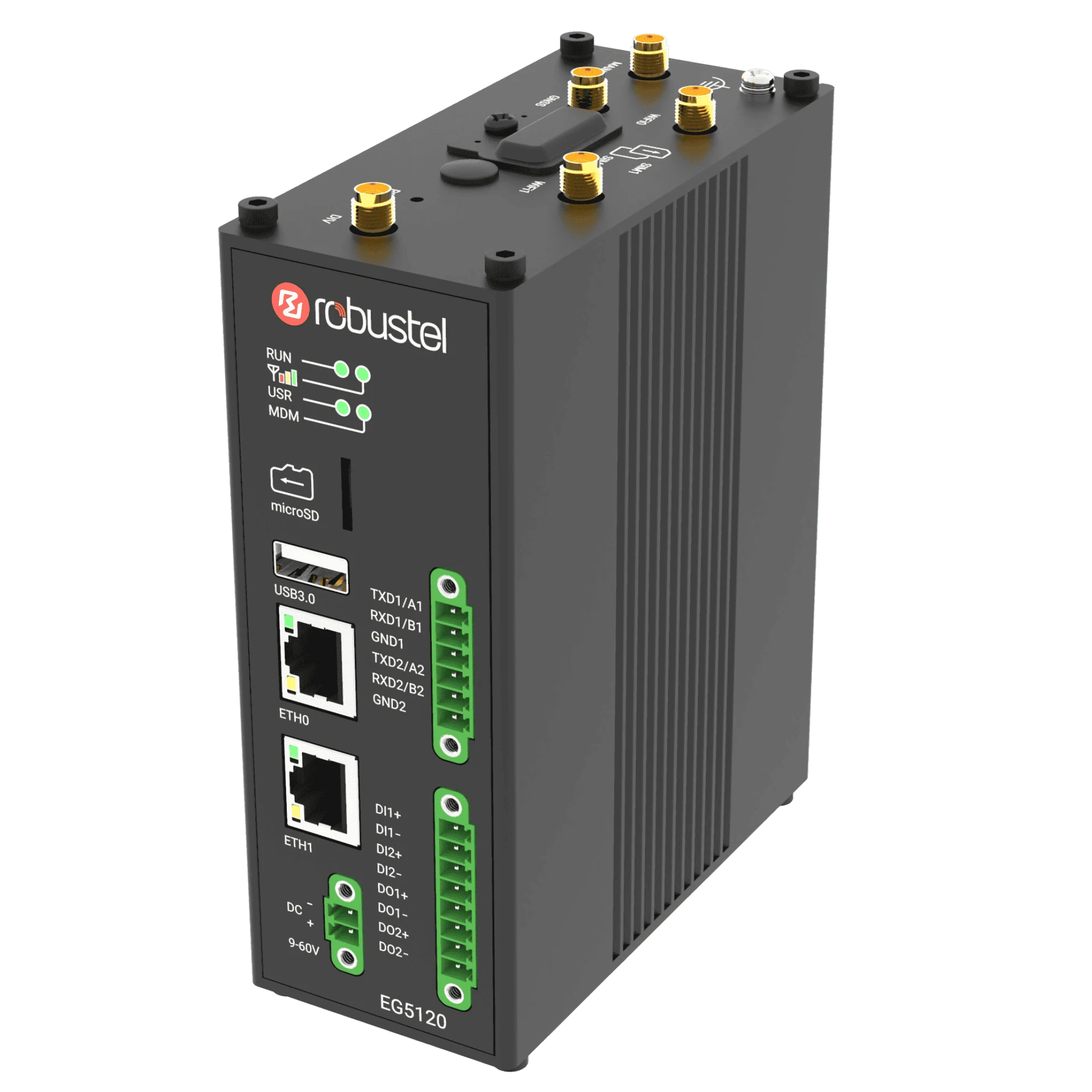 EG5120
Choose the machine task and who will help
Choose one question your team needs to answer, such as whether an agreed machine condition can be seen remotely. Name the machine owner, application developer, receiving-system owner and gateway/account administrator.
- Prepare the machine interface and approved data points.
- Identify pilot quantities, locations and expected operating conditions.
- List the required local functions, destination system and intended users.
- Involve your existing distributor or integrator when planning the pilot.
Prepare a setup you can repeat
Record the gateway variant, firmware, application version and required software rights. Keep shared settings separate from each machine’s addresses, identifiers and credentials. Decide how to identify each pilot unit and who keeps its setup record.
Start with a read-only data point you have tested or the sensor exercise before expanding the application.
Define the data your application needs
Describe each measurement by name, unit, device identity and expected update behaviour. Explain how the receiving application will recognise a missing or older sample. Save one example with sensitive details removed and explain what it means in your project notes.
Check the chosen interface with the receiving-system owner. The MQTT guide offers a focused exercise when MQTT is appropriate.
Decide who manages the gateways
Decide which organisation owns the gateway-management account, who can view devices and who may approve changes. Complete one RCMS identity and diagnostic check for the selected service. Record who to contact for help and what the local site contact should do if connectivity is lost.
Check setup and recovery on another unit
Use another authorised pilot unit or an approved reset-and-restore exercise to check whether you can repeat the setup. Note which settings must change for each device and which should stay the same. Confirm that you can find a saved configuration and restore it through the documented procedure.
Watch what happens during a planned interruption and recovery of the data path. Review firmware or application updates separately, including compatibility, approval of changes and rollback steps.
Review the results and next steps
- The selected machine function has an agreed result and a named person to approve it.
- The shared setup, per-device differences and required data are documented.
- Checks of local data and remote management are recorded separately.
- The results of a repeated setup or recovery exercise are recorded.
- Someone is responsible for resolving open questions about installation, software rights, support and regional purchasing.
Use the project brief template to record the results and the next phase you need. Continue with purchasing and partner support when you are ready to discuss the next step.