
 S6000U
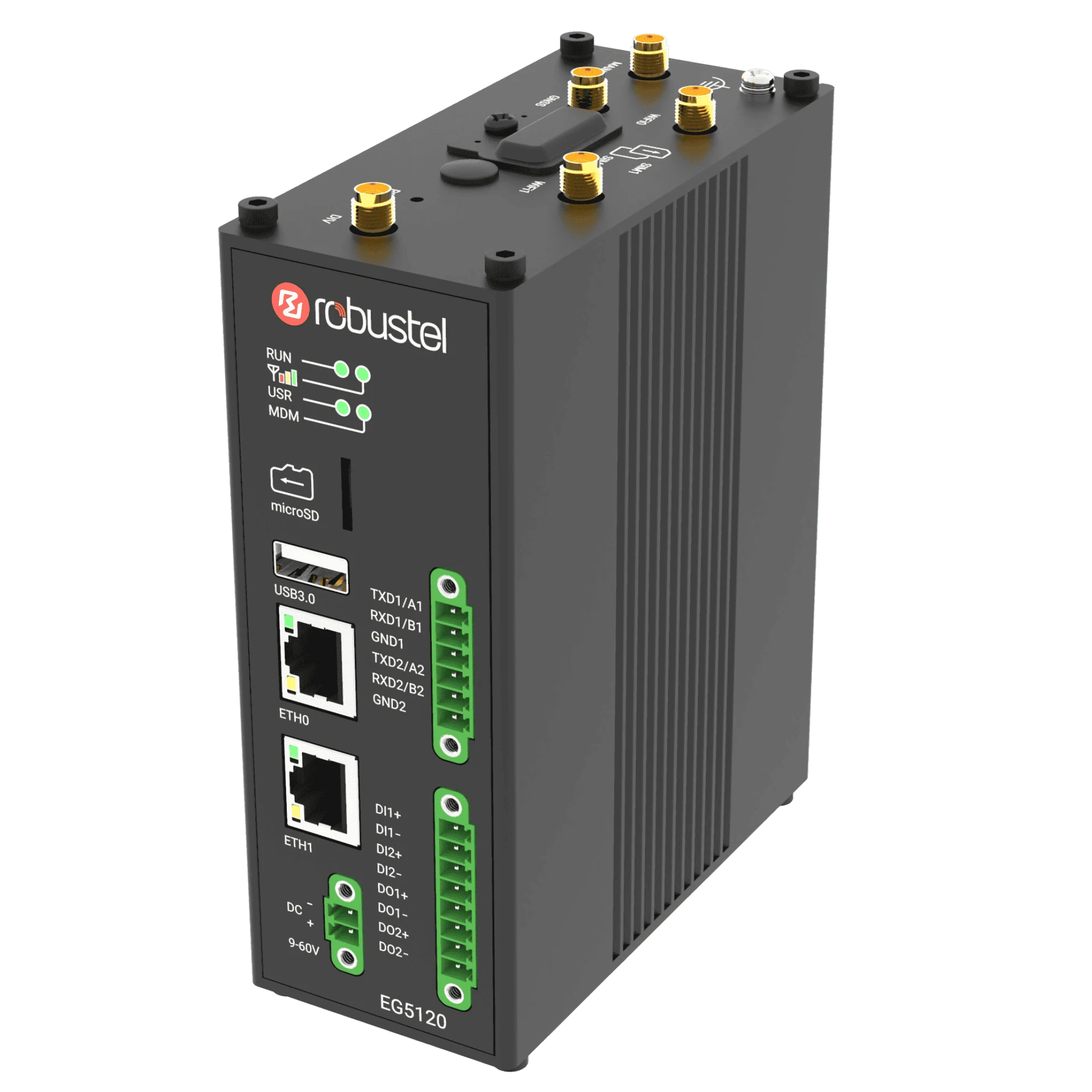 EG5120
Define the question and prepare the setup
Choose a concrete question, such as how the temperature near a cabinet changes during normal operation. Record the location, required unit, observation period and independent reference. Compare the S6000U range, accuracy, ingress protection and mounting conditions with that requirement.
Prepare a verified local tag, an authorised bench or observation location and a person responsible for the test. Start with the first-data guide if the measurement is not yet trusted.
Record placement and a reference reading
Document where and how the sensor is mounted, what it is measuring and what may influence it. Take a reference observation at the same place and time. For distance or light, record the target and field of view; for temperature, note nearby heat sources.
Keep placement consistent during the comparison. A change of position can explain a change in reading without indicating a fault in the equipment.
Build one useful local view
Use the visualisation and data-recording functions available in your E2C Factory release to display the chosen tag with a meaningful name and unit. Select an observation interval and retention scope that suit the question and available storage.
Collect a baseline period. Check whether the trend is based on current samples and whether missing data is recognisable. Keep the displayed value, stored data and independent reference aligned.
Test a reversible alarm condition
Write down the threshold or condition, any persistence requirement, the expected recovery condition and the person observing the test. Follow the official local-alarm example using a simulator or safe test condition. Do not create a damaging physical condition to trigger an alarm.
Record activation, recovery and history. If the installed release cannot express a required rule, record that gap before extending the application.
Review the evidence and choose the next task
- Placement and units are documented, and the value agrees with a suitable reference.
- The observation period and sample gaps can be understood from the retained record.
- The test alarm activates and recovers as specified, with an identifiable history entry.
- Unresolved accuracy, installation or notification requirements are listed for the field trial.
Keep the result in the commissioning worksheet. Send the verified value through the MQTT exercise or prepare a project brief for a site-specific review.